

Views
Views define saved conversation lists. They help agents and teams focus on the right work.Prerequisites
You need administrator permissions to manage shared views. Personal views are managed by their owners from My Profile when tenant role permissions allow personal view management. User and Viewer do not have personal-view management or saved-order permissions. Their customer read access does not enable these features; see Roles and permissions. For a shared public-comment queue, configure Social source > Facebook comments or Instagram comments. Add Team or Status when needed; omit Media = Chat to retain ended sessions. Source labels have no historical backfill or completeness guarantee. See Create a social-source View.Built-in views
CXP includes built-in views such as:- My Conversations
- Available Live Conversations
- Open Conversations
- All Conversations
- Team views for teams a user belongs to
Shared views
Administrators can create shared views for operational queues such as:- High-priority open conversations
- Pending customer follow-up
- VIP customer work
- Email conversations waiting on an agent
- Recently escalated conversations
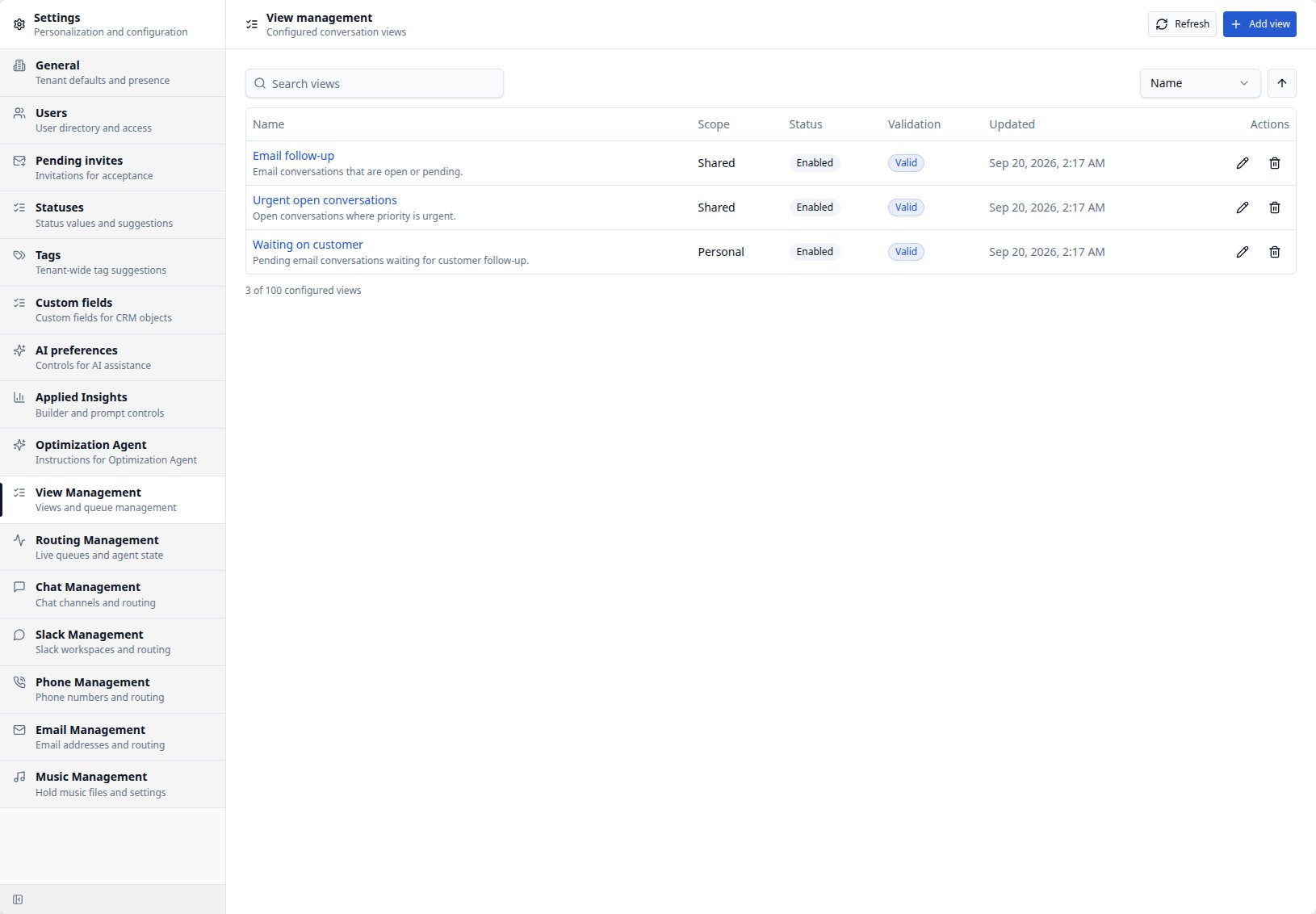
Shared filter editor — Coming soon
The new View editor uses the same visible criteria as Search. Describe the queue to generate filters and explicitly requested columns and sort, or configure the controls manually. Review the automatic preview before saving a shared definition. Older Views marked Needs recreation require manual rebuilding. See Using Views for illustrated creation and editing steps, personal/shared scope, saved versus temporary changes, and limits. Administrators remain responsible for confirming that a View returns the intended conversations.Preview before publishing
Before saving a shared view:- Confirm the name is clear.
- Confirm the description explains the queue.
- Preview the count and sample rows.
- Check that filters do not expose irrelevant work.
- Save only when the view is useful for repeated operations.