

Handle an inbound email
Inbound email creates or updates a conversation and keeps the email thread visible in the conversation timeline. Automatic replies exclude CXP’s configured email addresses and the reply’s sender from To, CC, and BCC. If no eligible To remains, no email is sent and a retained Concierge Agent reply shows Not sent. See automatic recipient filtering for the included addresses and configuration behavior. If CXP cannot read the configuration needed to check automatic recipients, it still saves the customer’s incoming email. An agent can review and answer it; the withheld automatic reply is not retried automatically. To inspect what CXP received, open the received message’s vertical three-dot menu and select View original email. The received provider payload opens as text; unavailable payloads show Original email is not available. See view the original email.Read a forwarded email
When a customer’s first email creates a conversation, CXP preserves forwarded messages and copied thread text so you and the Concierge Agent can understand the inquiry. Later replies keep the usual removal of repeated quoted text. If that first email includes useful HTML formatting up to 64 KiB, it appears in the timeline. Tables, headings, links and supported images remain visible; active content and unsupported styling are removed. Use the Text / HTML toggle after the header chevron to switch between the normalized text and formatted view. Simple emails and ordinary forwarded text threads use the text view when their HTML adds no useful presentation. In that case there is no Text / HTML toggle. The original received payload still includes its HTML through View original email.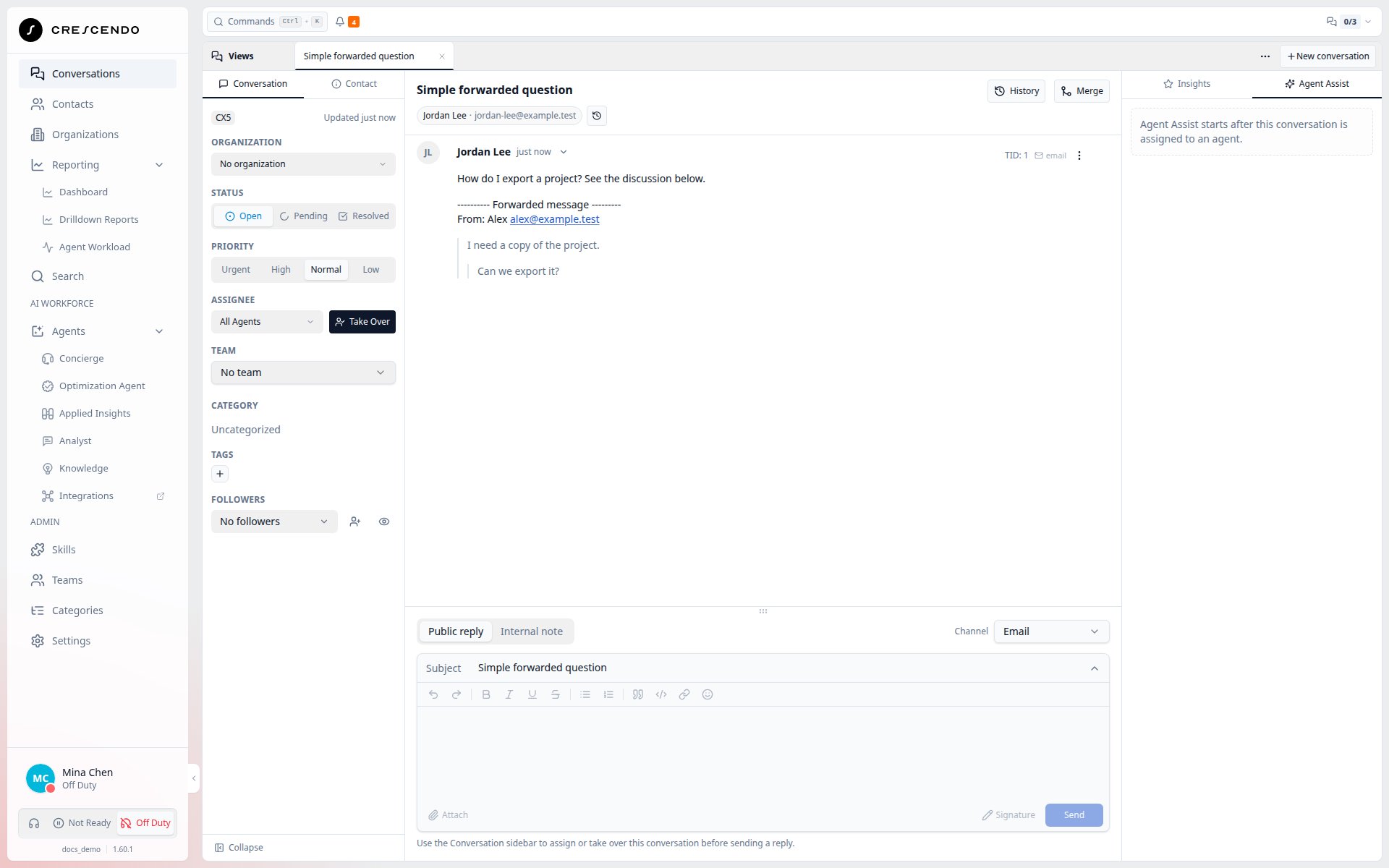
A simple forwarded discussion uses the text view and preserves nested quotes.
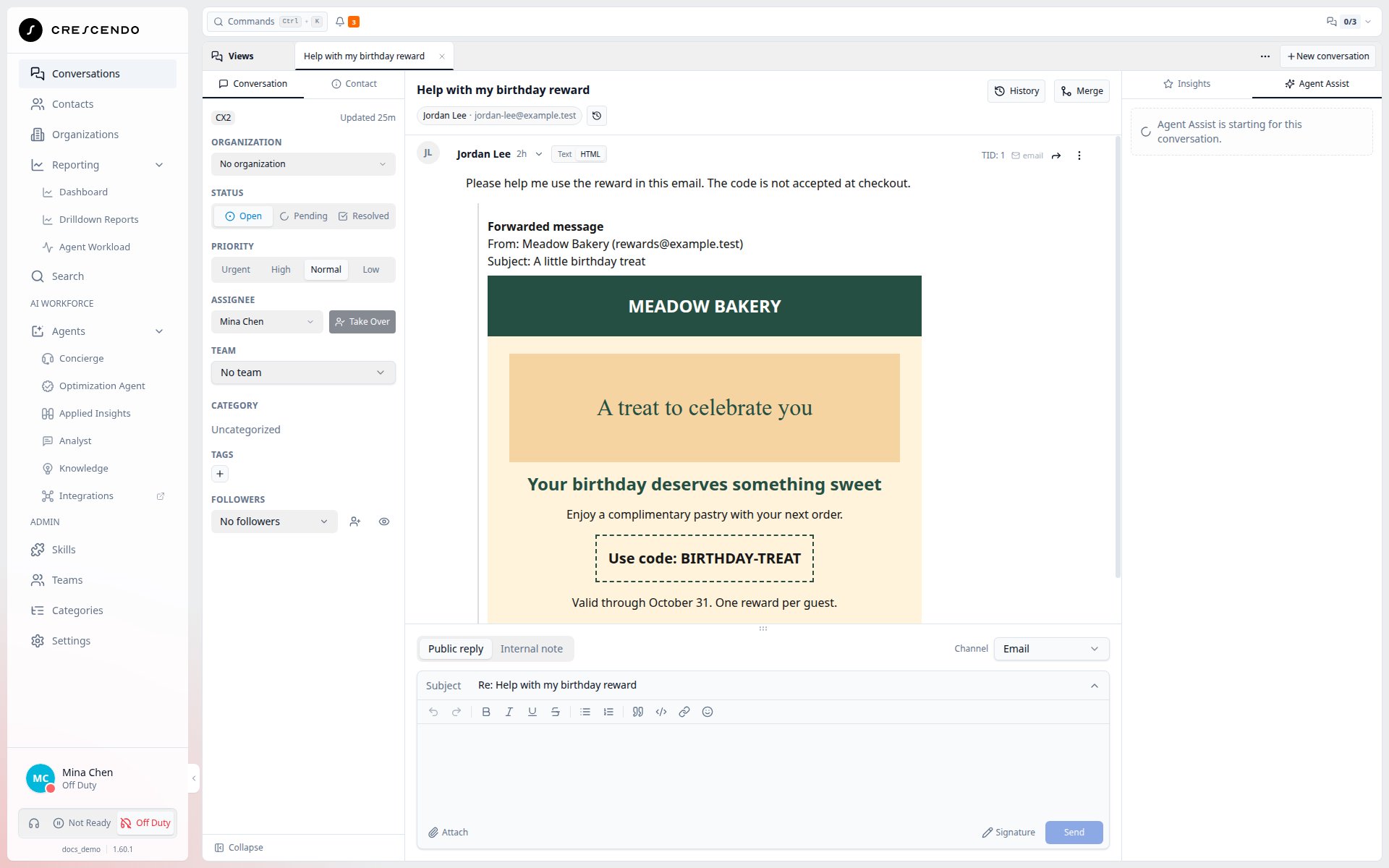
A forwarded reward email keeps its layout and the customer's inquiry together.
Recovery from slow email setup — Coming soon
CXP will allow more time to find or create a conversation for an incoming email. If that step times out or temporarily fails, the email provider will be able to retry delivery. This reduces blank tickets caused by a slow initial lookup or creation. It does not restore emails missing from earlier incidents.When your channel is copied
If none of the receiving channel address, tenant default, or selected-channel default appears in To, CXP records the email and assigns an unassigned conversation to All Agents, without an automatic Concierge Agent reply. Existing agent or team ownership is preserved. Open Unassigned to find All Agents work, then take ownership before replying. This also covers BCC delivery and empty To headers. Understand the matching rule.Returned copies do not start another reply
When forwarding returns an email sent by CXP with the same storedMessage-ID,
CXP acknowledges and ignores it before creating activity or sending another
reply. A customer’s genuine reply with a new identity continues normally.
See returned-copy recognition and its limits.
Prerequisites
- Your role can read and reply to conversations.
- The email address is active in Email Management.
- The conversation is assigned to you, or you have permission to take over assignment.
Open the email conversation
- Open Conversations.
- Use My Conversations, a team view, or a configured email view.
- Select the email conversation.
- Review the timeline, participants, subject, and previous replies.
Recover missing inline images
If an email image was stored but is missing from the displayed body, it appears in the message’s attachment gallery. Select its thumbnail to preview it or use its download control. This also applies to stored signature images and outbound emails. Images already displayed in the body appear there once. The fallback cannot recover a file that was never stored.Receive escalated email work
By default, escalated emails go to a team for manual pickup. If your tenant has enabled direct email assignment, CXP selects the category-matched team’s longest-waiting Ready agent. Not Ready and Off Duty agents are not selected. There is no accept/decline offer for an email assignment. When no eligible agent is available, the conversation remains in the team’s automatically available conversation view, or inbox. Team Leads receive an assignment email; a configured team inbox address receives the same email and can deliver it to a Slack channel. Open the link and assign the waiting work manually. Returning to Ready does not automatically claim inbox conversations.Compose a reply
- Confirm the conversation is Open, Pending, or Resolved.
- Select Public reply, then select Email. Email is available when the contact has a primary or secondary email address.
- Confirm the sender address.
- Review To, Cc, and Bcc recipients.
- Write the reply.
- Attach files when the workflow requires them.
- Send the reply.