Sign in and navigate
Use the CXP web app to handle customer conversations, manage contacts, and configure support operations for your tenant. Coming soon: Bot and tenant configuration, Knowledge and the Integrations link are visible only to Owner/Admin. Applied Insights remains available to all roles; Analyst remains available to Owner/Admin/Team Lead/User when enabled. See Roles and permissions.Sign in
- Open your CXP sign-in URL.
- Enter your work email address.
- Select the tenant you want to access if your account belongs to more than one tenant.
- Complete password or single sign-on authentication.
- Confirm that the app opens the tenant you intended to use.
Choose an initial workspace
The main sidebar puts operational work first:- Conversations for active customer work, queue views, and conversation tabs.
- Contacts for customer records, Contact 360, and manual conversation creation.
- Organizations for account-level context and organization contacts.
- Reporting → Dashboard for operational and AI performance reporting, available to all roles.
- Search for finding historical conversations.
- Concierge for assistant configuration when your role allows access.
- Optimization for Optimization Agent sessions when your role allows access.
- Applied Insights, which opens the CXP workspace when enabled for your organization and otherwise opens the legacy Crescendo application in a separate browser tab.
- Knowledge, which opens the matching Crescendo application in a separate browser tab.
Use Commands
Select Commands in the global top bar or pressCtrl/Command+K.
- Start typing a page name to narrow the available navigation commands.
- Enter at least three characters that do not match a command to search conversations.
- Select a conversation result to open it, or select Search more … to continue with the same text in the full Search workspace.
Set your availability
Agents and team leads can set themselves Ready when they are available for routed live work. Set yourself Not ready when you should not receive new routed assignments. Being Ready does not move existing assigned conversations away from you. It controls whether CXP can offer you new live work.Update your profile
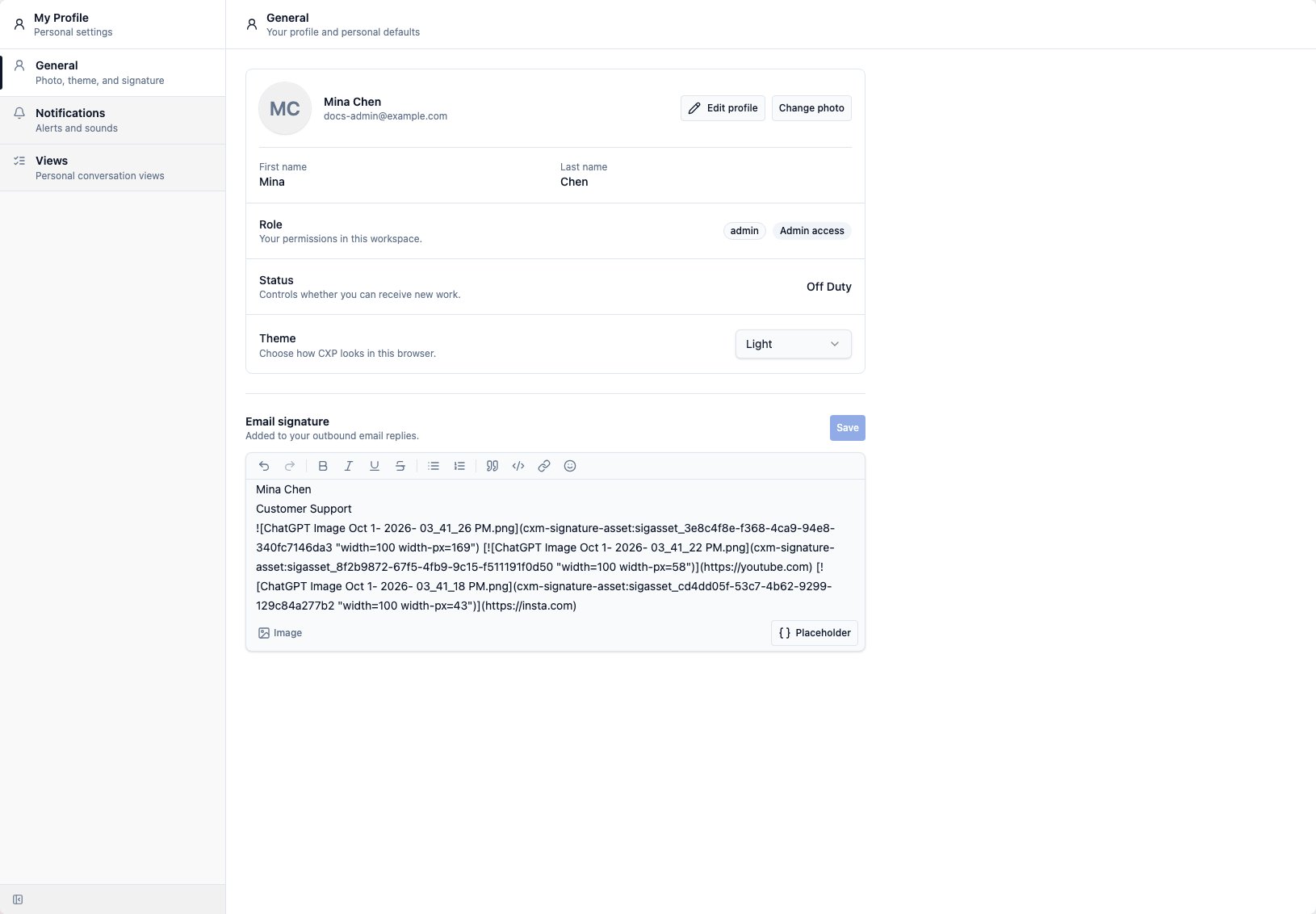
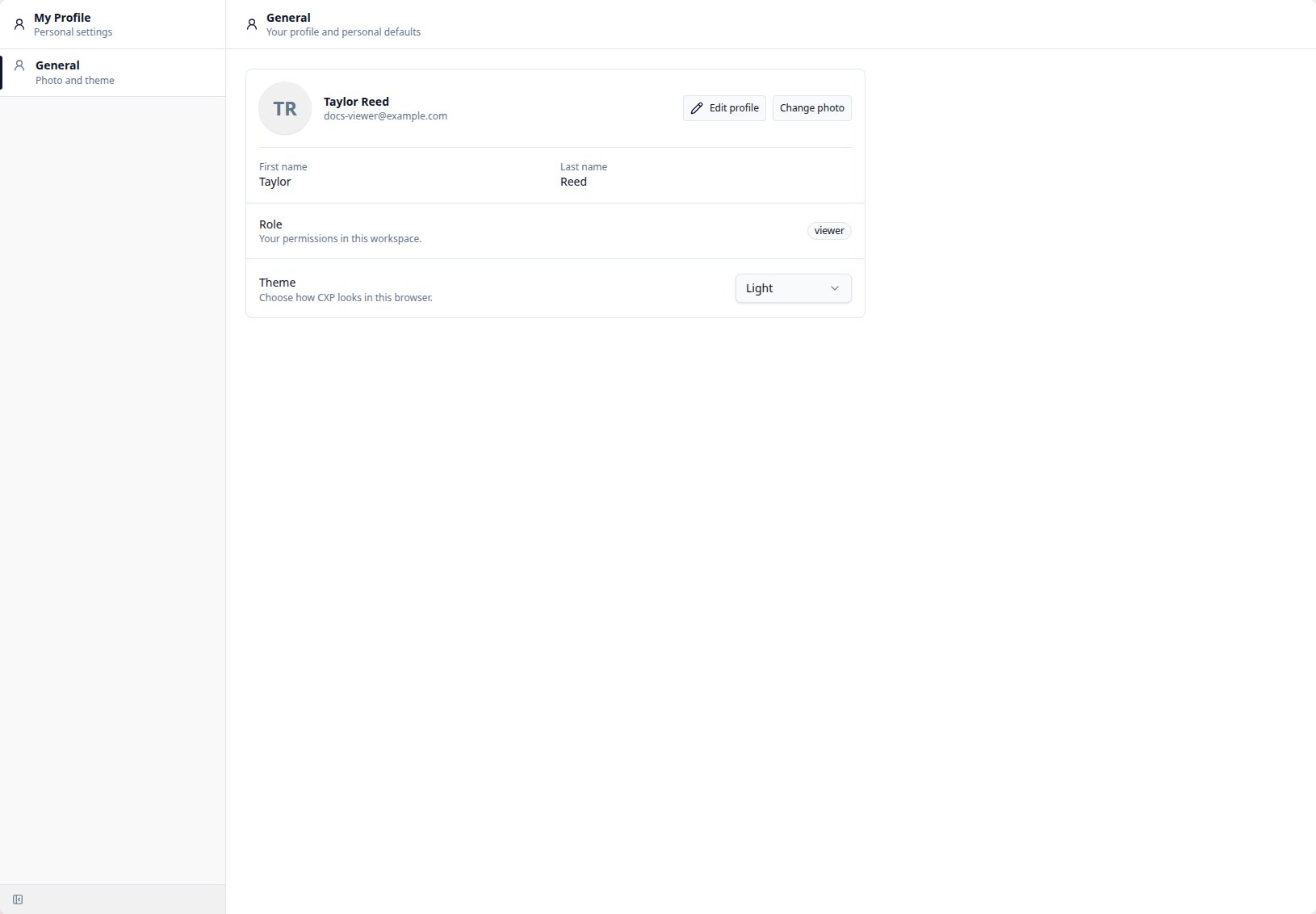
Every signed-in user can manage their own name and profile photo from My Profile > General. To update your name:- Select Edit profile.
- Update your display name, first name, or last name.
- Select Save changes.
- Open My Profile from the sidebar or your account menu.
- In General, select Change photo.
- Choose a JPEG, PNG, or WebP image up to 5 MiB.
- Review the square preview, then select Save photo.