

Work with contacts and organizations
Contacts and organizations give agents customer context while working conversations. Coming soon: User and Viewer can inspect Contacts, Organizations, their linked conversations and history, and custom-field values without editing them. Agent and Team Lead keep their existing customer editing permissions. See Roles and permissions.Contacts
A contact represents a person who can participate in conversations. Contacts can include:- Name
- Email addresses
- Phone numbers
- Social identities, when available
- Organization
- Tags
- Notes
- Custom fields
- AI-generated profile information
A avatar and Anonymous; use
Change Contact after you identify the customer.
Review social identities
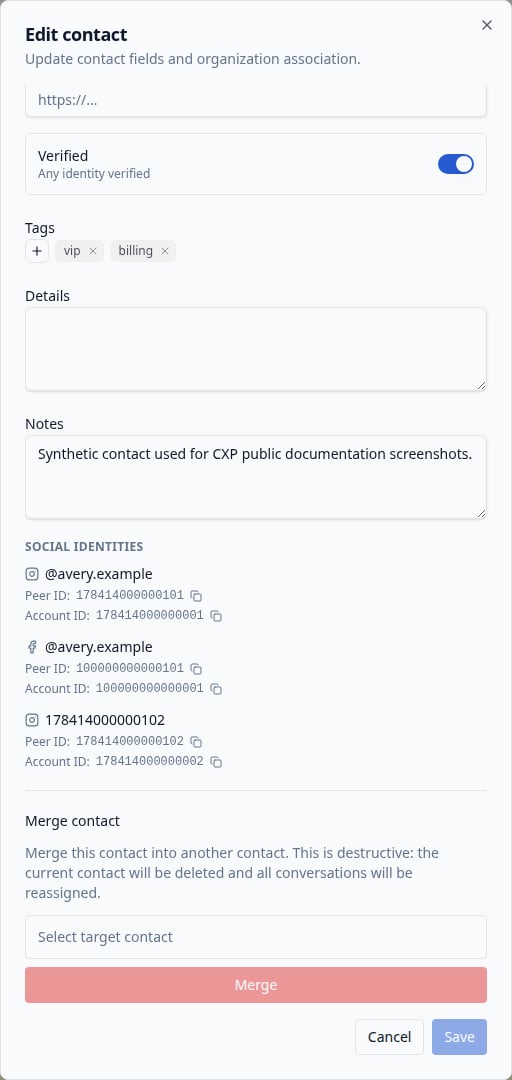
For a Contact with social identities, open the Contact editor or the Contact card in Conversation Details and find Social Identities. Each entry shows its provider icon and available username, followed by Peer ID and Account ID.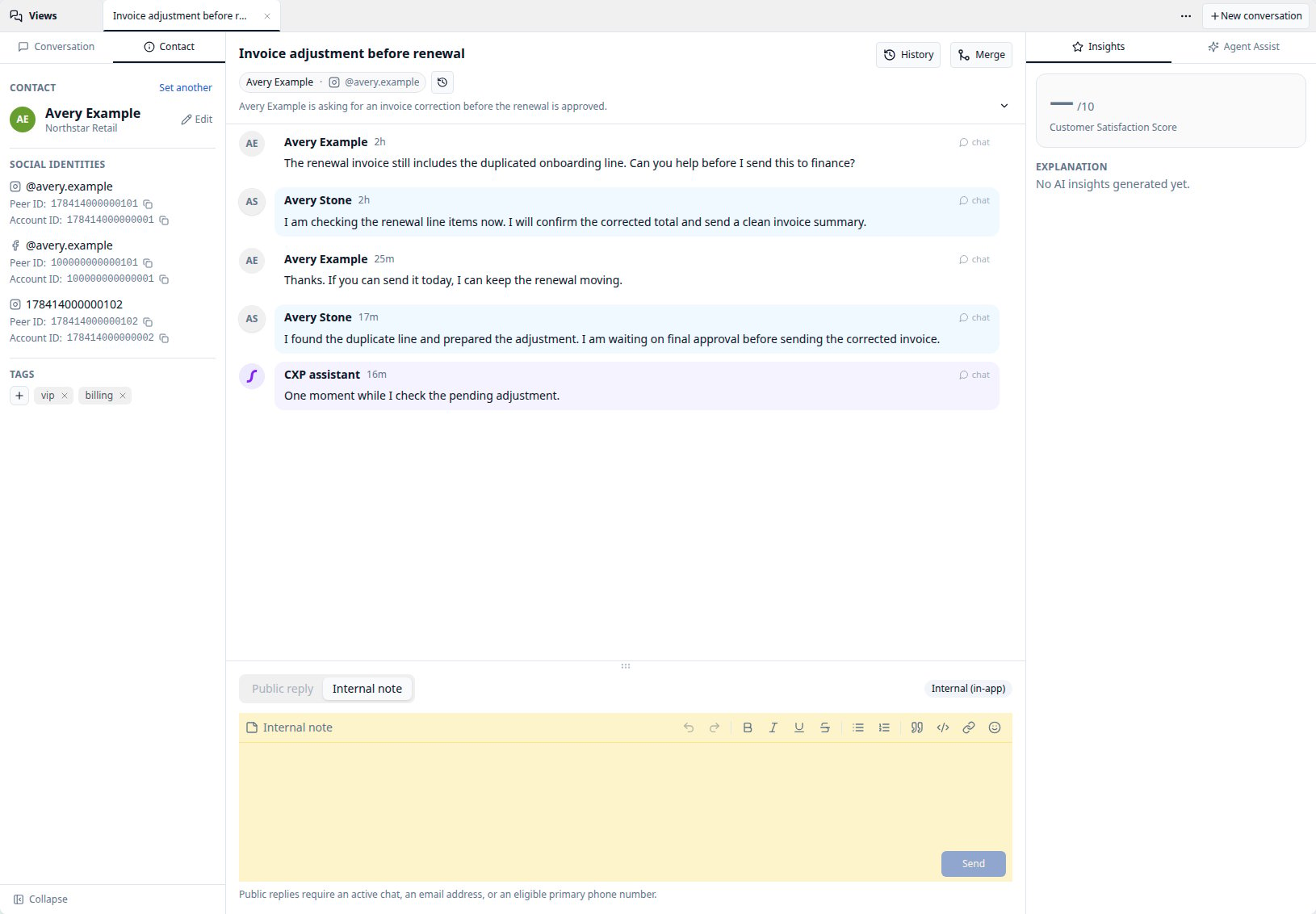
- Select a linked username to open the provider profile in a new browser tab.
- Select Peer ID or Account ID to copy the complete value. Peer ID identifies the customer within the connected account; Account ID identifies that account.
- If no username is available, the entry shows the customer ID without a profile link. CXP does not turn messaging IDs into guessed profile addresses.
Public comment Contacts
Facebook post comments and Instagram comments create a separate Contact for each connected account, post and commenter. The same person on several posts can have several Contacts with the same name. These are separate public histories, not verified unique-person records or private-message identities. Public Contacts are read-only: details, profile and custom fields cannot be edited. Contact merge, Conversation merge, Change contact and private/manual conversation creation are unavailable, including after the Chat ends. They do not acquire email or phone details or an automatically generated profile. Use normal assignment, lifecycle and internal notes to manage the work.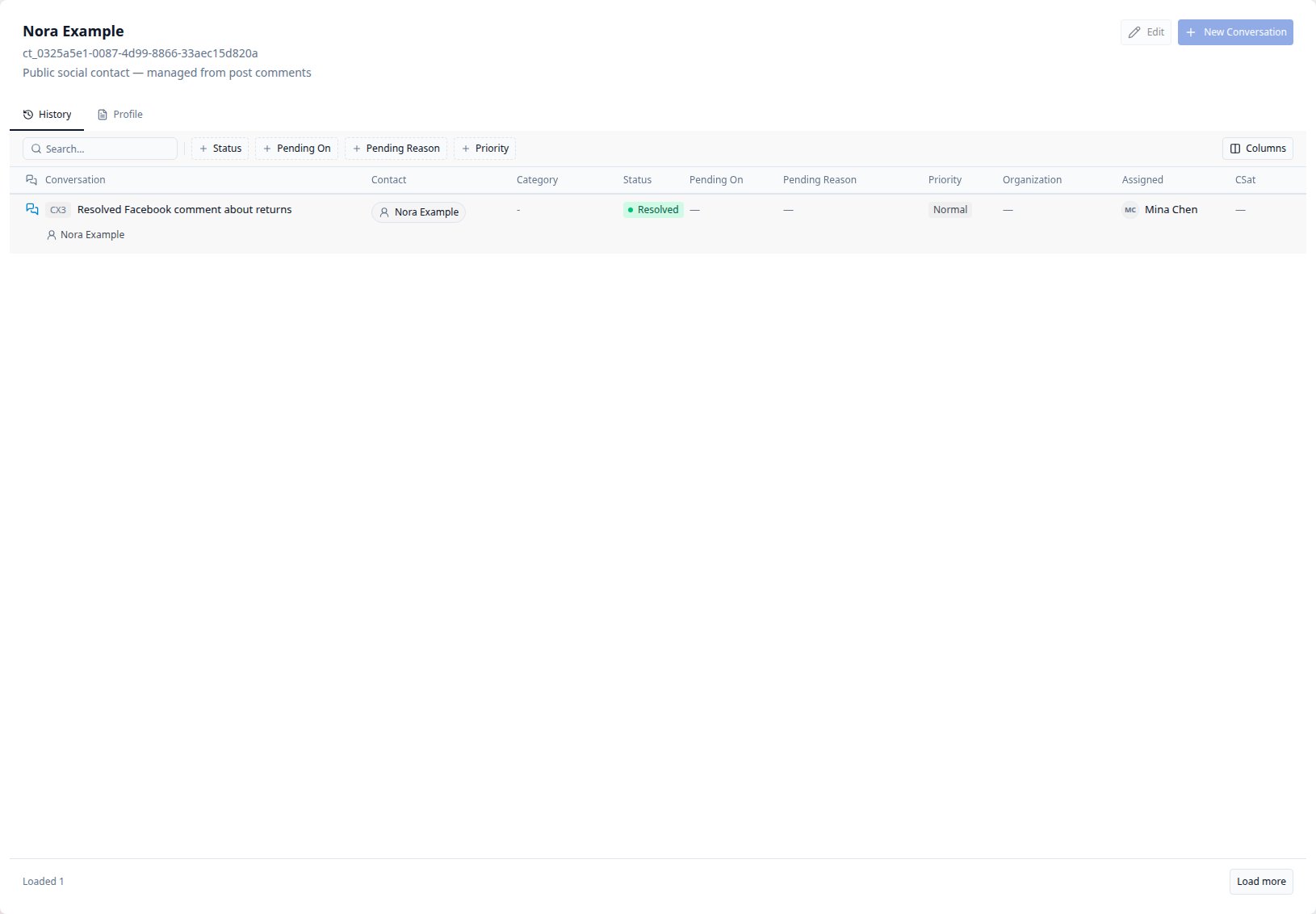
Public Contact protections remain after the comment conversation is resolved.
Contact 360
Contact 360 gives a focused view of one contact. From Contact 360, you can:- Review prior conversations.
- Review and edit contact details when permitted. In Conversation Details, the edit controls are unavailable for protected public-comment Contacts.
- Open the contact profile.
- Create a new manual conversation for the contact when allowed.
Organizations
Organizations group contacts under an account, company, or customer entity. An organization can have multiple contacts and can be associated with conversations. Use organizations to understand customer account context, especially for business-to-business support.Update customer context
When you have permission, keep contact and organization data current:- Correct stale names, emails, or phone numbers.
- Enter international phone numbers with a leading
+and country code. CXP accepts common US national formatting and saves valid phone numbers in canonical E.164 form, such as+14155552671. Phone extensions (#123,x123,/x123, orext. 123), extension/subaddress parameters intel:numbers, and numbers ending in#are not supported. An invalid primary or secondary phone shows an error identifying Primary phone or the secondary entry, such as Secondary phone 2, and prevents the save, leaving the stored contact unchanged. Your entered text remains available for correction; reloading restores the saved value. After a successful save, the displayed phone matches the saved value, including after reload. - Add useful tags.
- Update custom fields.
- Associate the contact with the correct organization.
- Avoid storing sensitive information that does not belong in customer profile data.
Consolidate duplicate Contacts
When two records belong to the same person, verify their identity before consolidating them. You need permission to edit Contacts. Public-comment Contacts cannot be either side of a merge.- Open the Contact you intend to remove and select Edit.
- In Merge contact, choose Select target contact and find the record you want to keep.
- Review the selected target, select Merge, and confirm the warning.